Browser-based QR tools · Personal product · build and ship
ScanMeFox
Sharing a website, Wi-Fi network, contact card or payment link should not require an account or uploading the underlying content to a QR service.
Open ScanMeFox (opens in a new tab)↗
Project overview
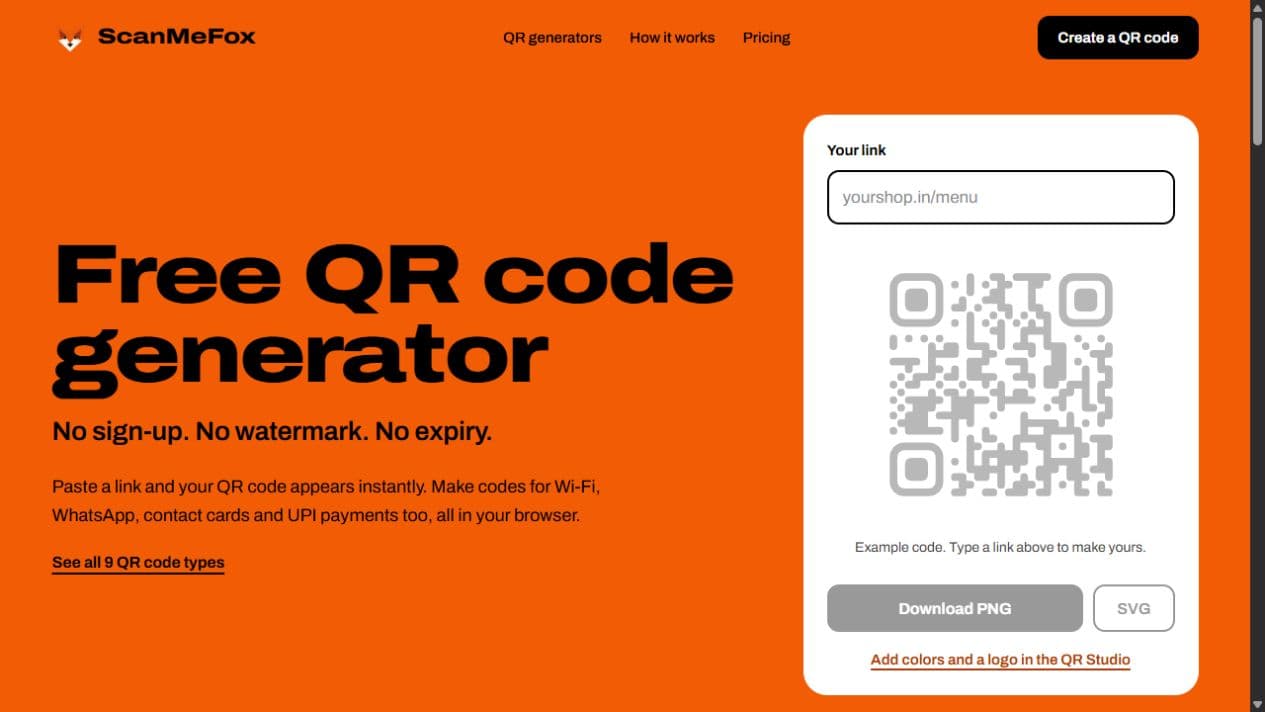
ScanMeFox is my browser-based QR product. Its free tools focus on a small, clear workflow: choose the content, customise the code, download it, and test the result on a phone.
A useful static-code workflow
The public product offers nine content types, including websites, Wi-Fi credentials, WhatsApp conversations, contact cards and UPI payment details. QR content and uploaded logos are processed in the browser. Users can save codes in that browser without creating an account.
The studio adds colours, dot styles and logos, with scan-quality feedback. PNG serves screen and chat use; SVG gives a scalable format for print. The last step still matters: scan the downloaded code in its intended setting before printing a batch.
Keeping the product promise precise
A static QR code stores its content directly. It does not need a hosted redirect to encode a link, but it cannot be edited after printing. A website link remains useful only while that destination stays online.
The live product separates those free static tools from a planned Pro offering for dynamic links. The current public workflow stays focused on generating, styling and downloading static codes.
What I built
- Nine browser-based static QR generators covering websites, text, Wi-Fi, WhatsApp, contact cards, email, phone numbers, locations and payments.
- A QR Studio with colours, dot styles, logo support and scan-quality feedback.
- PNG downloads for screens and SVG downloads for print, with saved QR codes kept in the browser.
- A public product site that explains static-code limits and distinguishes the live free tools from the planned dynamic-code Pro offering.
- Making the static-code tradeoff clear: the content is stored in the QR itself, so changing it after printing requires a new code. Editable short links are planned functionality, not a capability claimed for the live free product.
Sources and live demo
Stack
- Next.js
- React
- TypeScript
- SVG